Bring your size charts. Take them with you.
Ruban Size finds the size chart app on your store and recreates its charts, with the products they show on, in one click. Or import a spreadsheet, a pasted table, a photo or a PDF. And export everything, whenever you want.

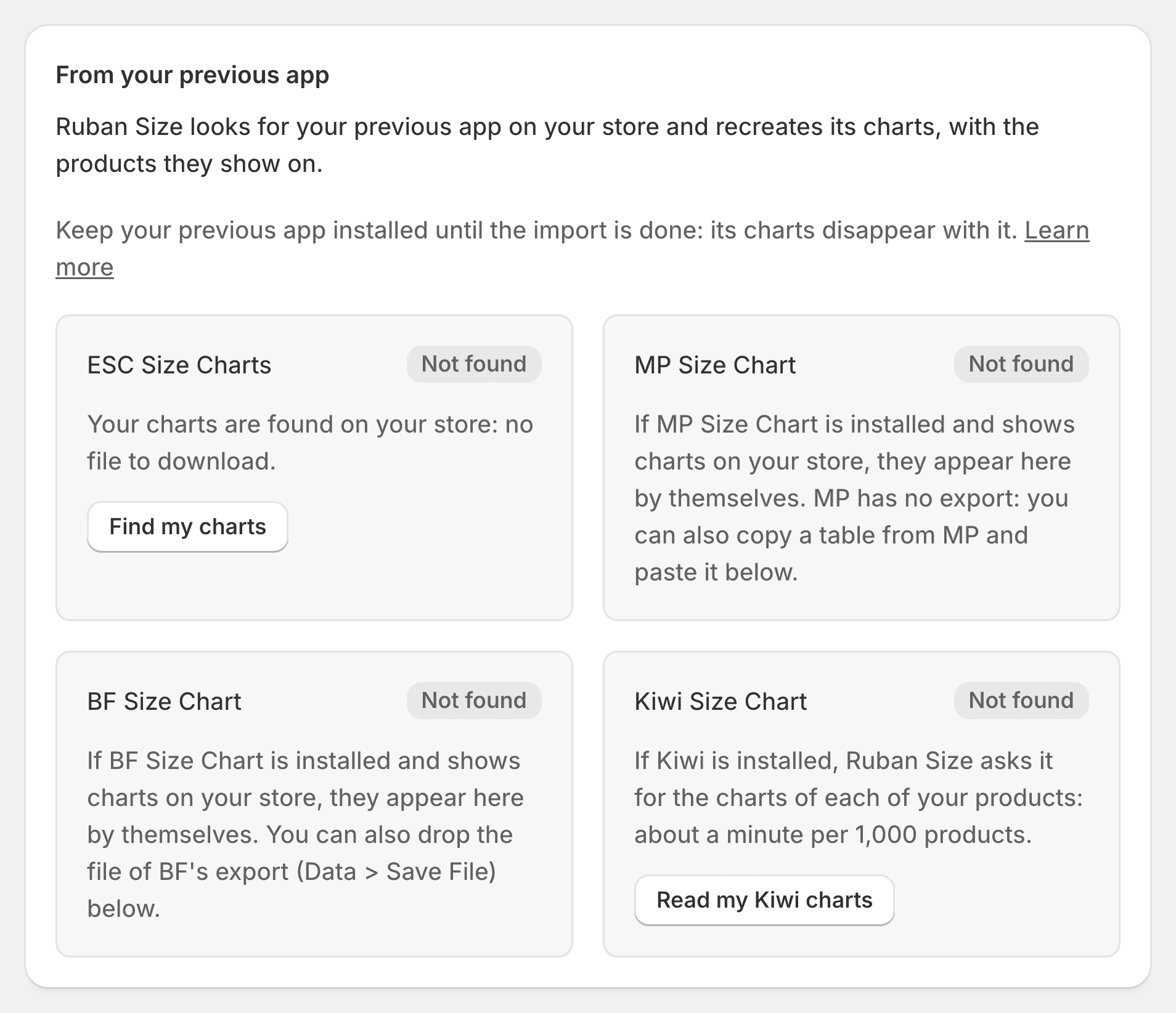
From the app you use today Pro
Keep your previous app installed until the import is done. Ruban Size reads your charts, you preview each one with the products it will show on, and only when you confirm are they created.
Kiwi Size Chart
Ruban Size asks Kiwi for the charts of each product: about a minute per 1,000 products.
MP Size Chart
Read from your store, images included. MP has no export, so there is nothing to download.
BF Size Chart
Read from your store, or from the file of BF’s own export.
ESC Size Charts
Found on your store, in one click.
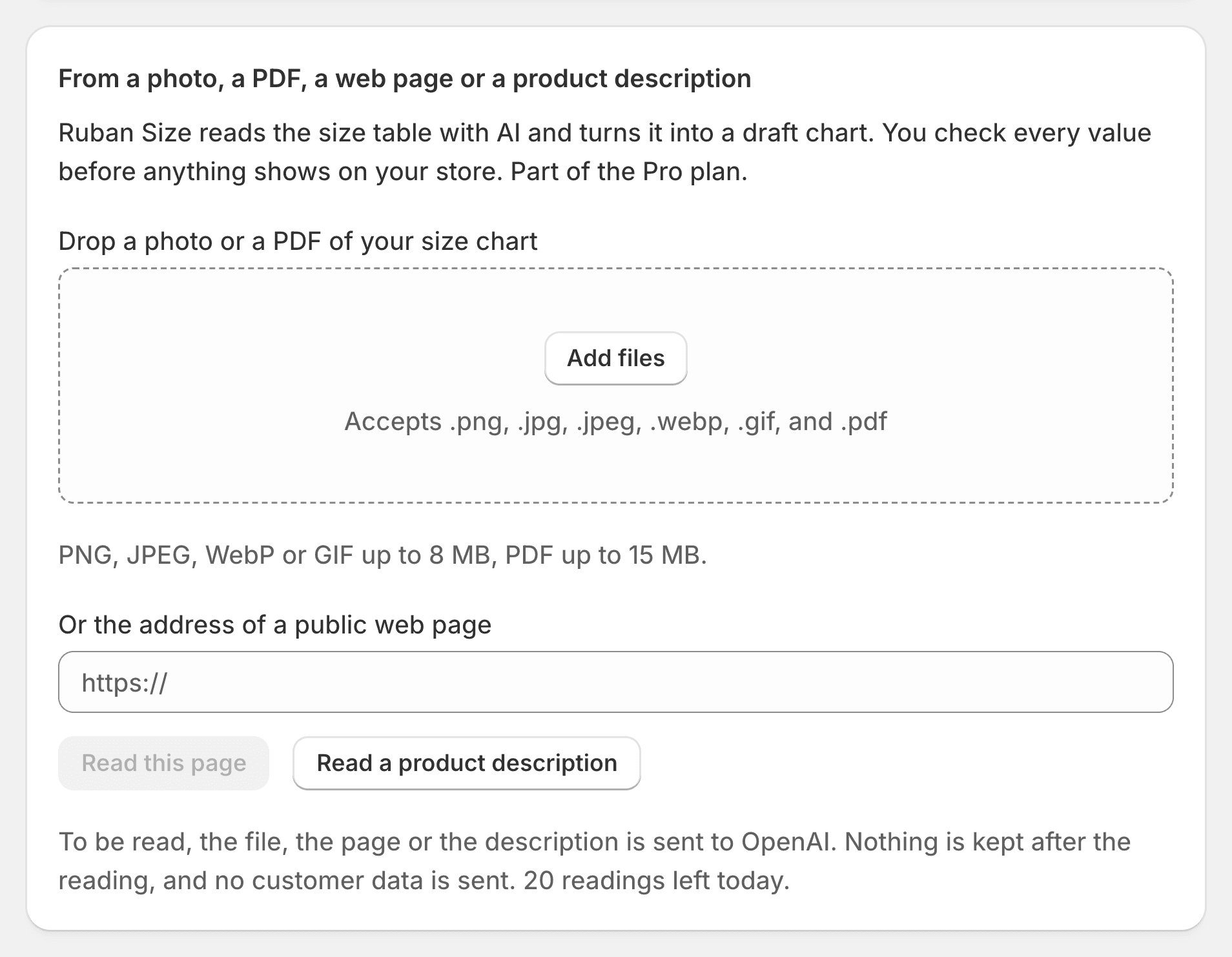
From a file, a table or a photo
A CSV or JSON file, a table pasted from a spreadsheet or another app’s admin, on every plan. On Pro and Fit, the AI import reads a photo, a PDF, a public web page or a product description into a draft chart you check value by value. No credits to buy.
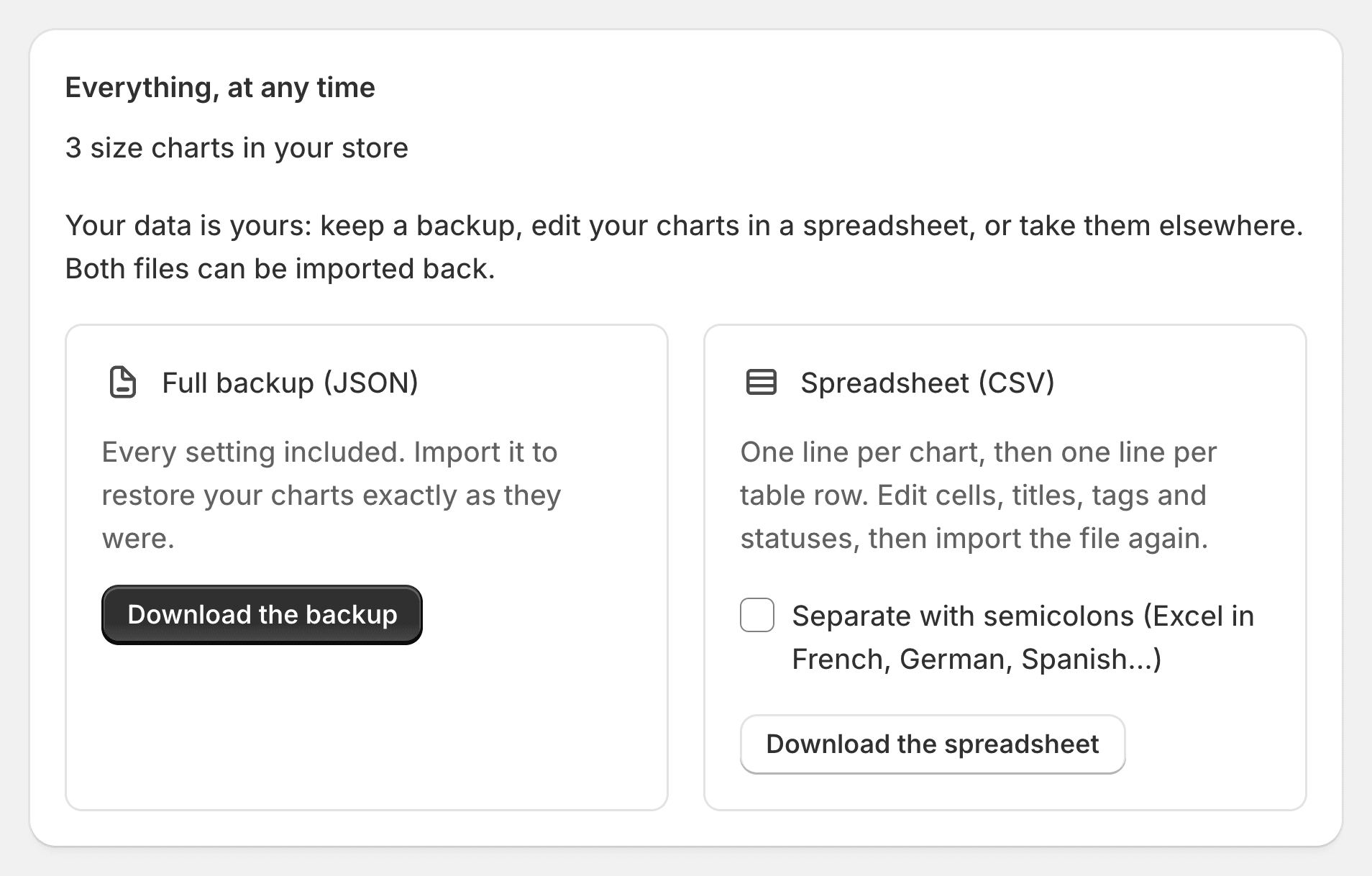
Export everything, any time
Your charts are yours. Download a full backup with every setting, or a spreadsheet to edit in Excel or Google Sheets, and import either one back.
Full backup (JSON)
On every plan, every setting included.
Spreadsheet (CSV) Pro
One line per chart, then one per table row.
Or we move them for you
Charts in another app, a spreadsheet or a PDF? Send them our way: we move them into Ruban Size and place the size guide in your theme by hand, for free. We reply within the day.
How it works
Install Ruban Size
Keep your previous app for now.
Import
Preview each chart and the products it shows on.
Confirm, then uninstall the old app
The guide already sits where the old link was.
Import and export: questions
Is importing from another app included?
Imports from Kiwi, MP, BF and ESC and the AI import are on Pro and Fit, which start with a 14-day free trial. CSV, JSON and pasted tables are on every plan.
Will shoppers see two size guides during the switch?
No. While your previous app is installed, Ruban Size hides its link, and shows its own guide in the same place.
Do my rules come with the charts?
Yes: each chart is recreated with the products it shows on, and you preview them before anything is created.
Can I export my charts from Ruban Size?
Yes, at any time: a full JSON backup on every plan, a CSV spreadsheet on Pro and Fit.
Try Ruban Size on your store.
Free for 5 size charts. Pro and Fit start with a 14-day free trial, billed by Shopify.