
Shopify size charts you build like a spreadsheet
Paste your chart from Excel or Google Sheets, or start from one of 39 templates. Merge cells, add US, UK and EU sizes, a how to measure guide, tabs, images and video, and check it all in a live preview of your product page.
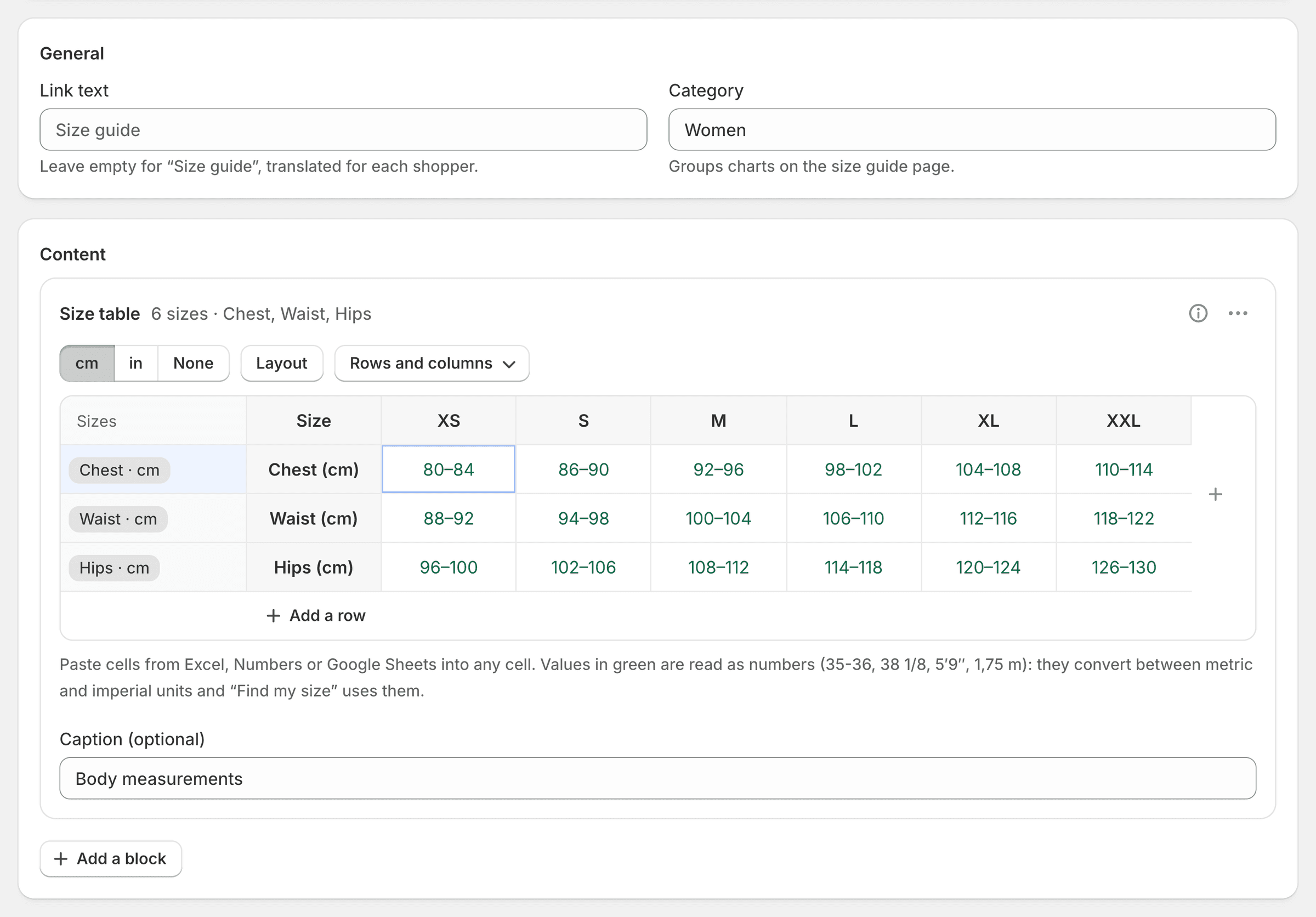
A grid that reads your spreadsheet
Copy cells from Excel, Numbers or Google Sheets and paste them into any cell. Ranges like 35-36, fractions like 38 1/8 and heights like 5′9″ are read as numbers, so they convert to inches and Find my size can use them.
Merged cells
Group sizes or headers across rows and columns, as on a printed chart.
Rows or columns
Sizes across the top or down the side: the measurements follow.
Several size systems
US, UK, EU or your own labels, on rows of their own, with a switch for shoppers.
Units that convert by themselves
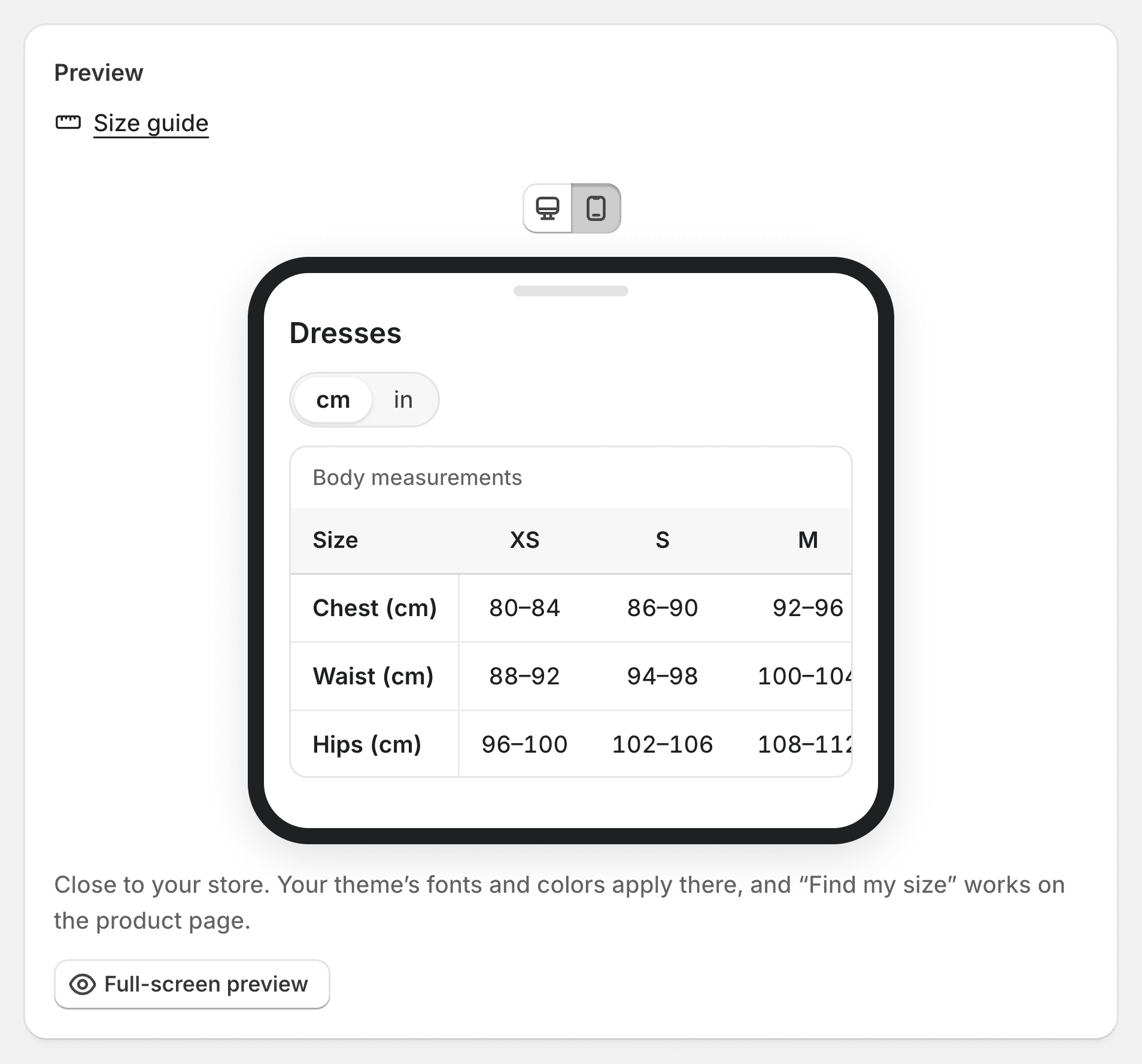
Shoppers switch between centimeters and inches with one tap, and the headers follow. Try it on this dresses chart: it is the real size guide, the one your store shows.
Every unit
Millimeters, centimeters, meters, inches, feet and inches, grams, ounces, kilograms and pounds, row by row.
Inches first in the US
Shoppers see the units of their country first, and their own choice is remembered.
Fractions or decimals
½, ¼ and ¾ for inches, or decimals if you prefer.
Blocks for everything around the table
A chart rarely stands alone. Add text, an image, a video that loads on click, a how to measure guide with a figure, a gallery, a divider, columns, an accordion or tabs.
How to measure
Steps beside a body or foot figure. The measurement a shopper points at lights up in the figure and in the table.
Shared sections
Write a measuring guide or a returns note once, use it in every chart, update it everywhere at once.
Several charts in tabs
A product that matches a top and a bottom chart shows both, as tabs.
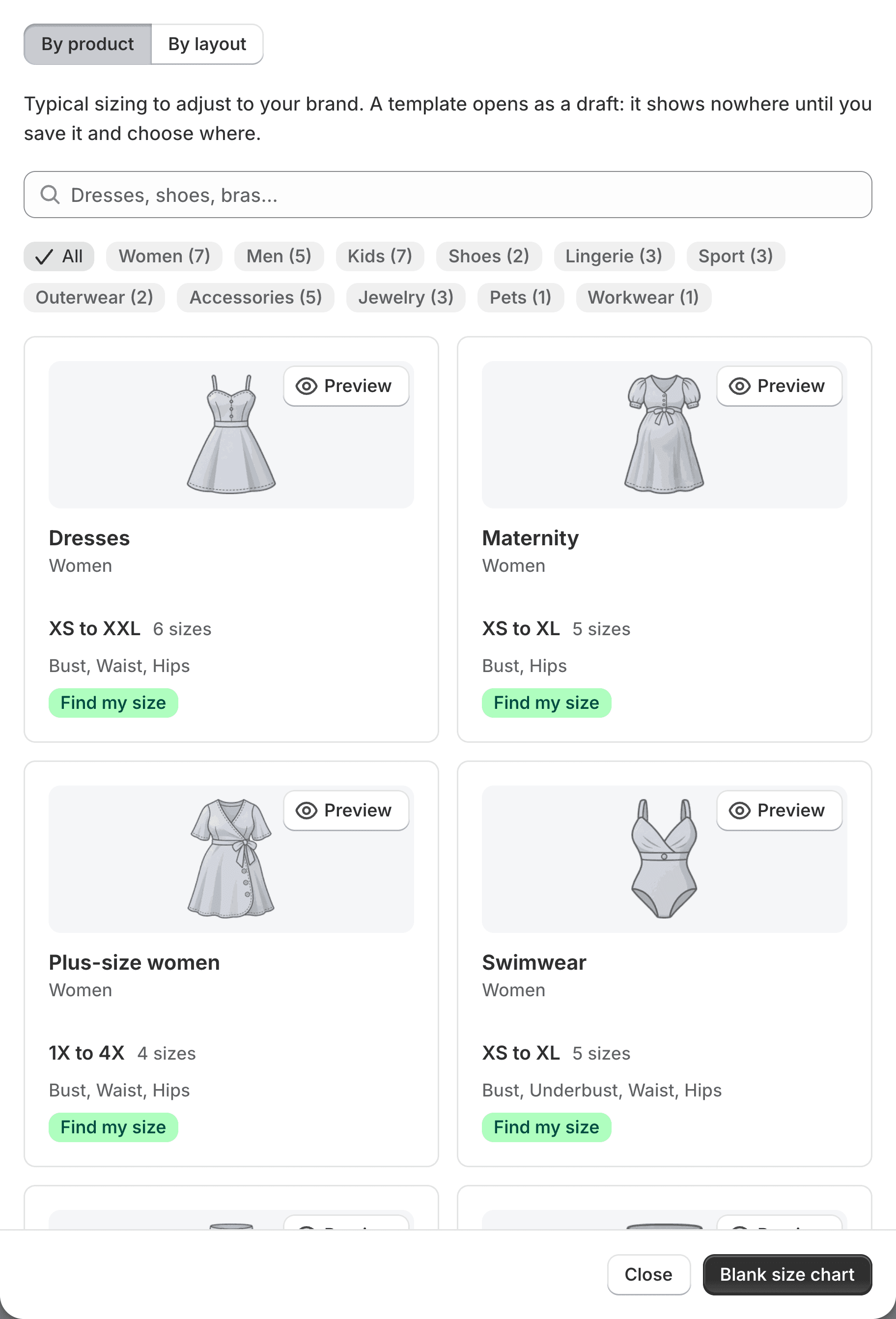
39 templates to start from
Dresses, jeans, bras, suits, kids, shoes, rings, helmets, dog coats: typical measurements, a how to measure guide and Find my size, ready to adjust to your brand. A template opens as a draft and shows nowhere until you choose where.
Or start from a layout
Tabs, image and tabs, two columns, several tables, an illustrated guide, or a blank grid.
In your store’s language
Templates are created in your store’s main language, with every other language you publish.
See it on a product page before you publish
Beside the editor, the real size guide on a phone or a computer. Full screen, it runs on a product page, on desktop, tablet or phone, light or dark, in any of your languages, on a sample or on one of your own products.
Every save kept
Each save keeps the version it replaced. Open the history, preview an old version and restore it: nothing is ever lost.
A size guide page
One page of your store with every chart, a search and categories, for shoppers who look before they browse.
How it works
Create a chart
From a template, a layout, a pasted table or a blank grid.
Fill it in and preview
Edit the grid, add blocks, watch the live preview.
Choose where it shows
Pick the products, set the chart to Active, save.
Size charts: questions
Can I paste my size chart from Excel or Google Sheets?
Yes. Copy the cells, click a cell of the grid and paste. Ranges, fractions and feet and inches are read as numbers, so they convert and Find my size can use them.
Can I turn an image of my size chart into a real chart?
Yes, on Pro and Fit. The AI import reads a photo, a PDF or a web page and turns it into a draft chart you check before it shows anywhere. Shoppers then get a table they can read on a phone and switch to inches.
How many size charts can I make?
Five active charts on the free plan, as many as you like on Pro and Fit. Drafts don’t count.
Can one product show several charts?
Yes. When several charts match a product, they show as tabs, the highest priority first, up to 20 per product.
Try Ruban Size on your store.
Free for 5 size charts. Pro and Fit start with a 14-day free trial, billed by Shopify.