
Switch to Ruban Size without redoing a chart
Ruban Size finds your current size chart app on your store and recreates its charts with the products they show on. Its guide takes the old link’s place, so nothing moves in your theme.
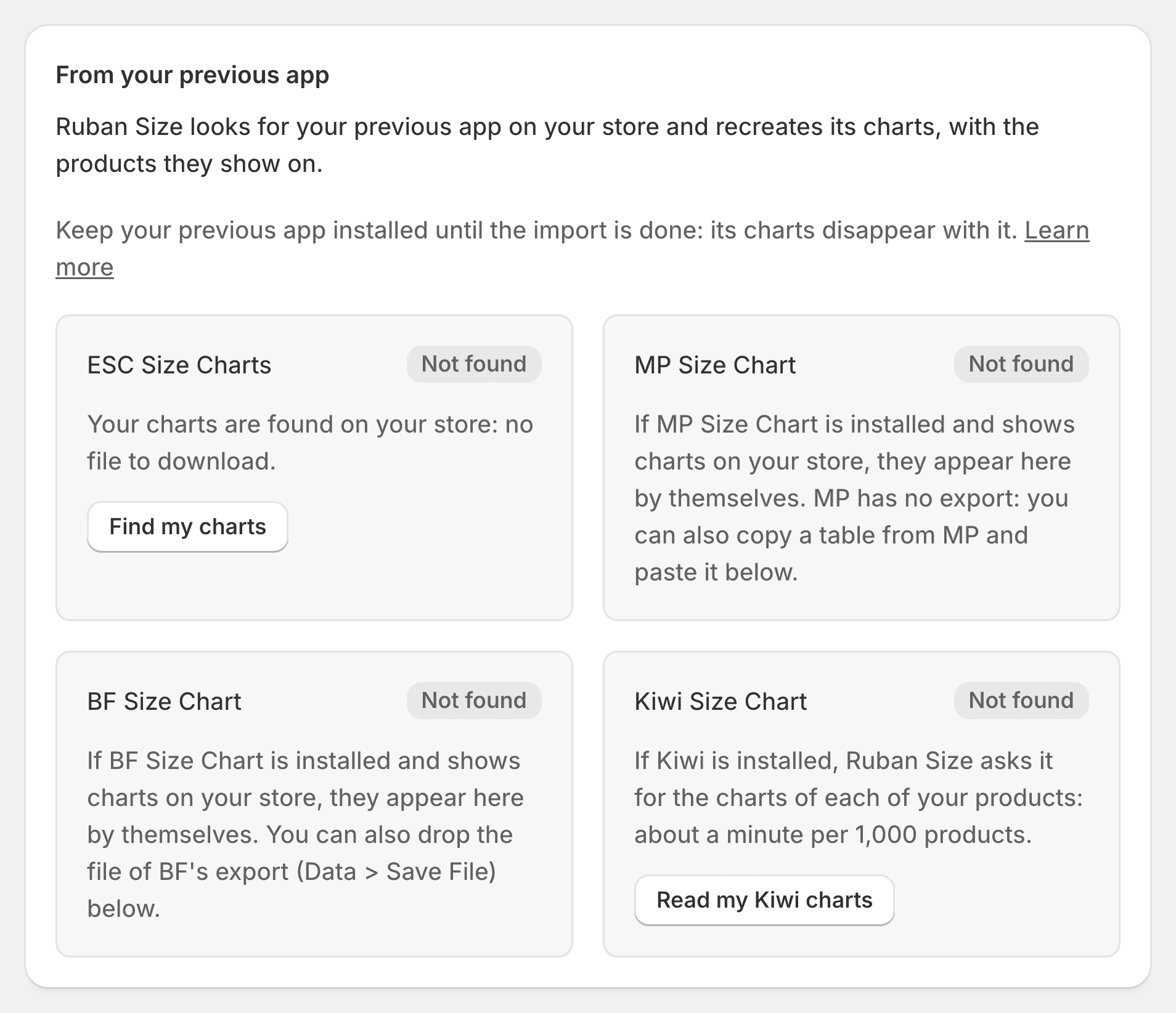
From your size chart app
- Kiwi Size ChartKiwi’s unlimited plan is $26.99 a month, plus a fee that grows with your orders. Ruban Size is $4.99, with no fee, whatever you sell. Your Kiwi charts come with you in one click.Switching from Kiwi Size Chart
- MP Size ChartMP’s unlimited plan is $12.95 a month and has no export. Ruban Size is $4.99, and you can download every chart whenever you like. Your MP charts come with you in one click.Switching from MP Size Chart
- BF Size ChartBF’s unlimited plan is $11.99 a month, with no size recommender. Ruban Size is $4.99 and adds Find my size on every plan. Your BF charts come with you in one click.Switching from BF Size Chart
- ESC Size ChartsSame price as ESC’s unlimited plan, with Find my size, 39 templates, 22 languages, product rules and six layouts. Your ESC charts come with you in one click.Switching from ESC Size Charts
How switching works
Install Ruban Size
Keep your current app installed for now: its charts disappear with it.
Import
Ruban Size reads your charts. Preview each one and the products it will show on.
Confirm
Only then are the charts created, and the guide shows where the old link was.
Uninstall the old app
Nothing to move in your theme, no second link to hide.
Or we do it for you
Charts in another app, a spreadsheet or a PDF? Send them our way: we move them into Ruban Size and place the size guide in your theme by hand, for free. We reply within the day.
[email protected]Or start fresh, from a template.
Free for 5 size charts. Pro and Fit start with a 14-day free trial, billed by Shopify.